Markdown,
without the baggage.
Tiny app. Zero clutter. Edit in place.
Double-click any .md file and it opens rendered like a webpage — a 2.0 MB viewer, not another 200 MB editor.
Free Community Edition · Pro $9.99 lifetime — one-time, per-device · No account · No ads · Files never leave your computer
 notes.md — mdview
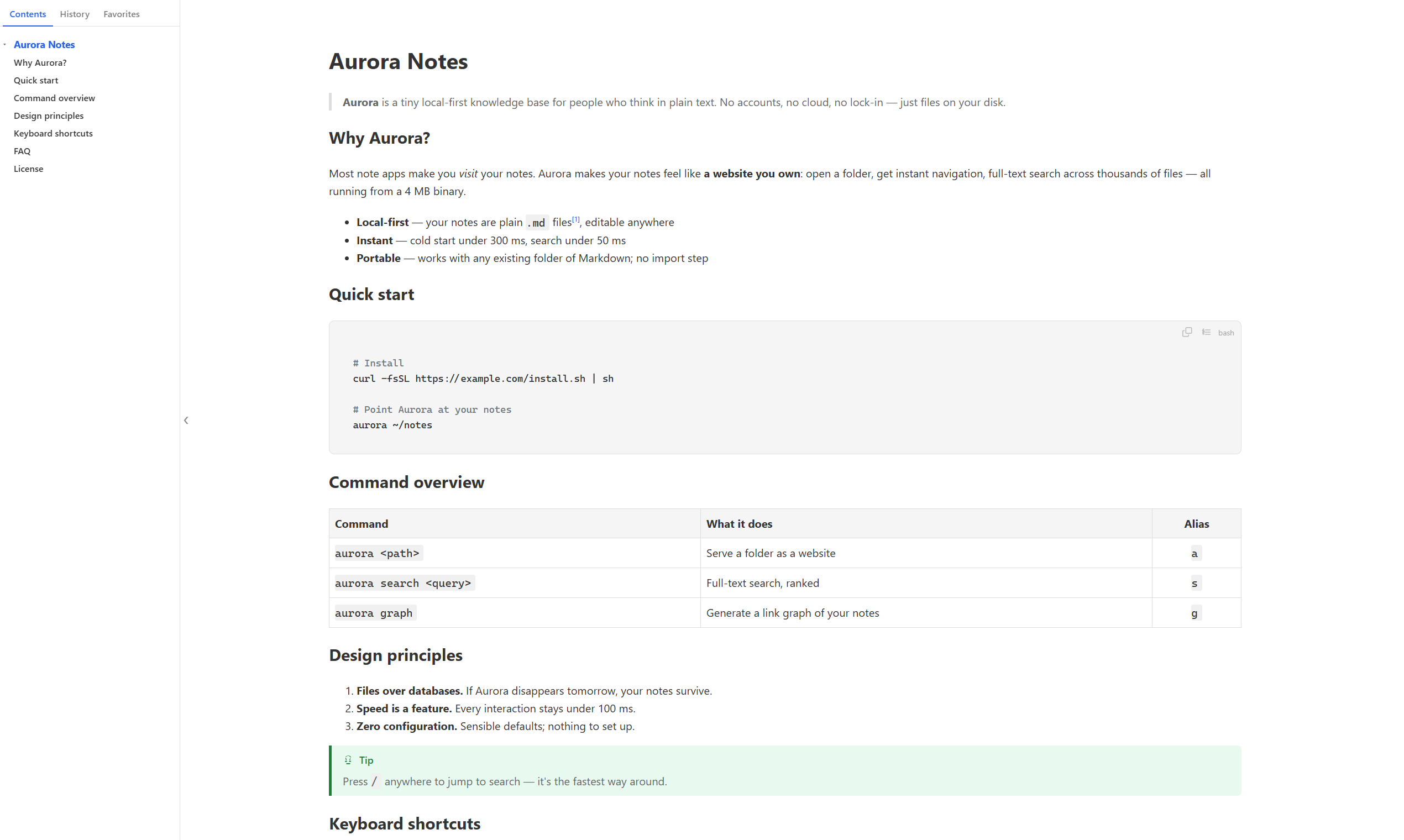
Everything reading needs.
Nothing it doesn't.
No toolbars, no buttons, no clutter — the window is your document. Everything lives one right-click away.
Live refresh on save
Save in any editor and mdview re-renders instantly over SSE — keeping your scroll position, so you never lose your place.
Outline, history & favorites
A floating outline tracks your position as you scroll. History is grouped by day like your browser, and favorites pin the docs you live in.
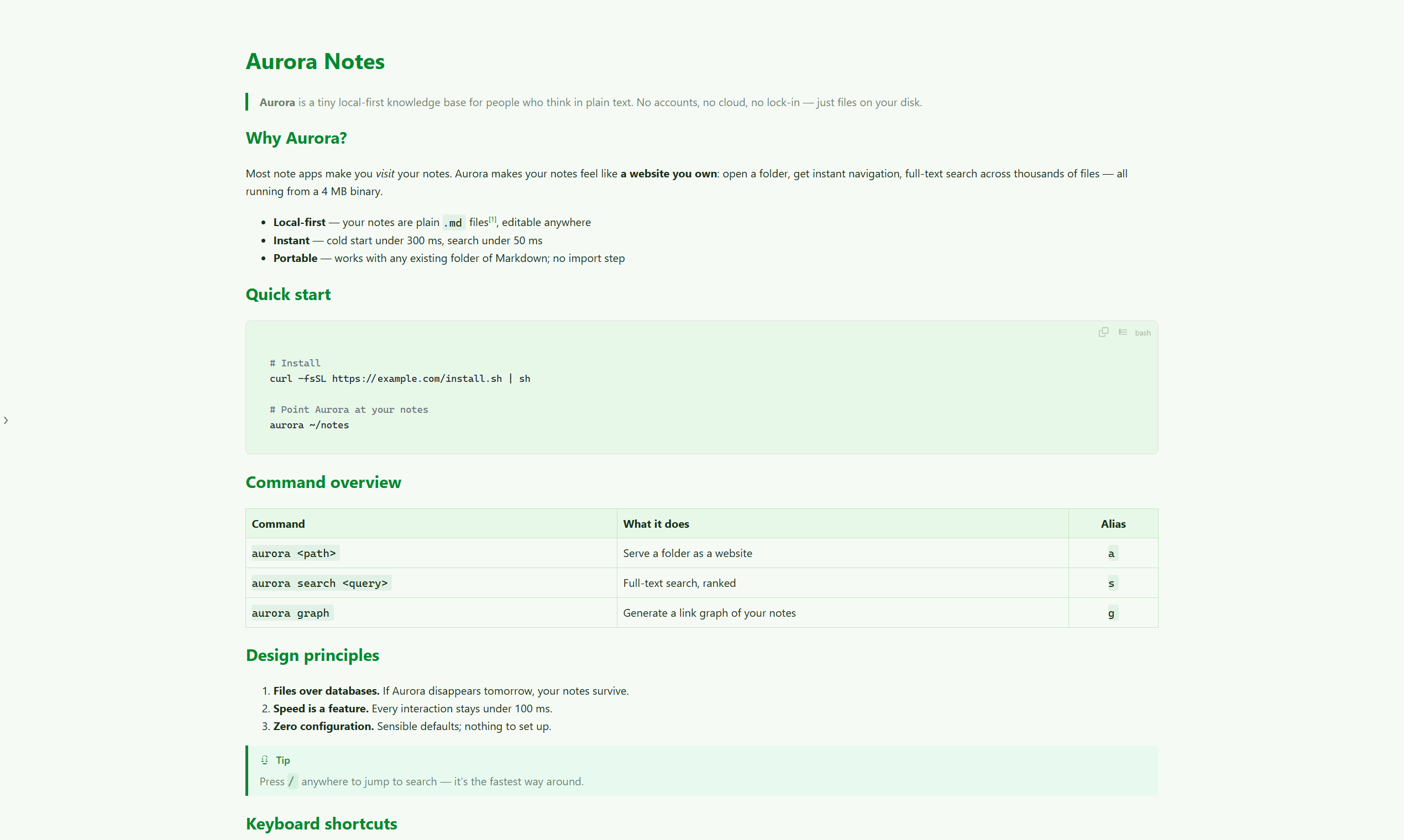
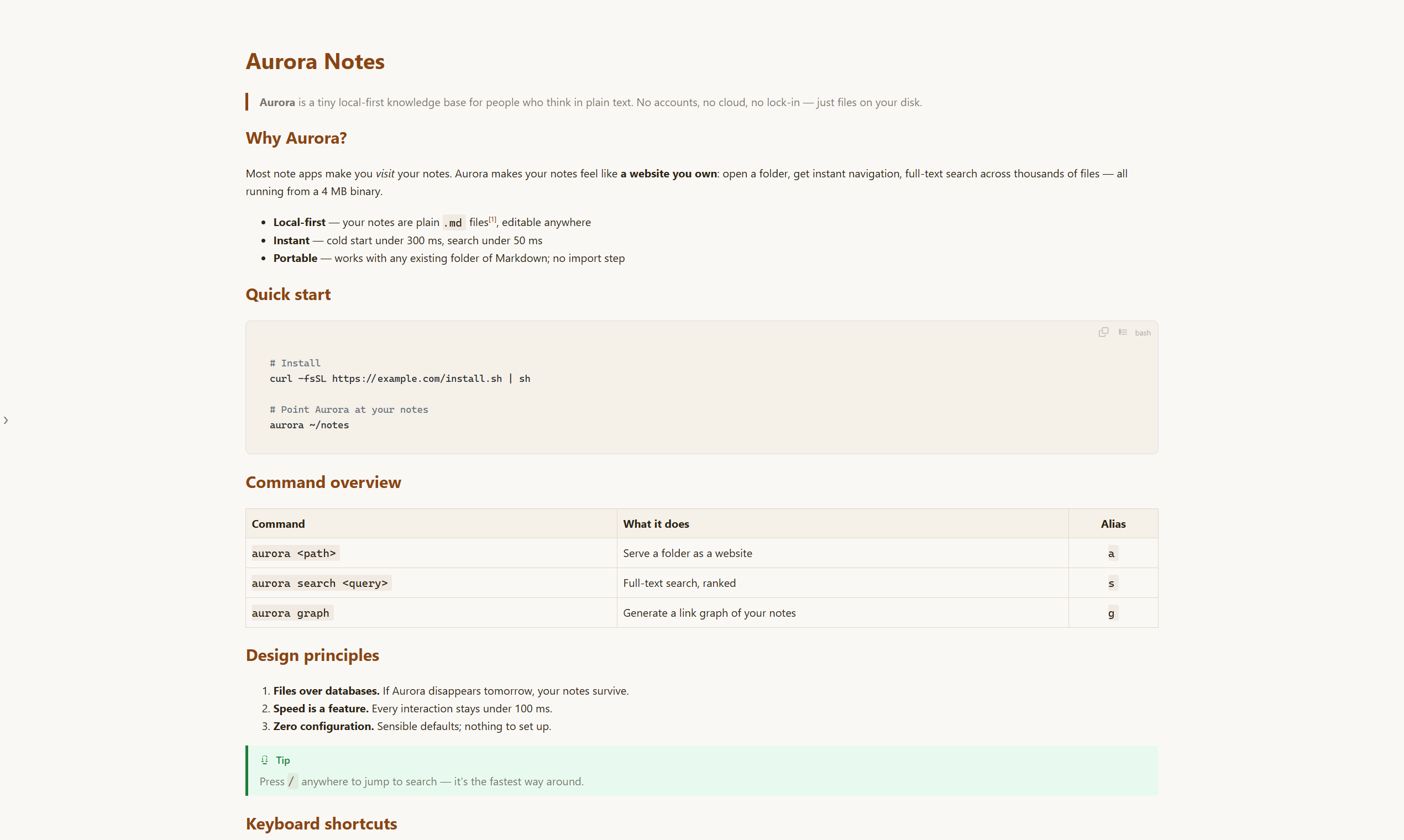
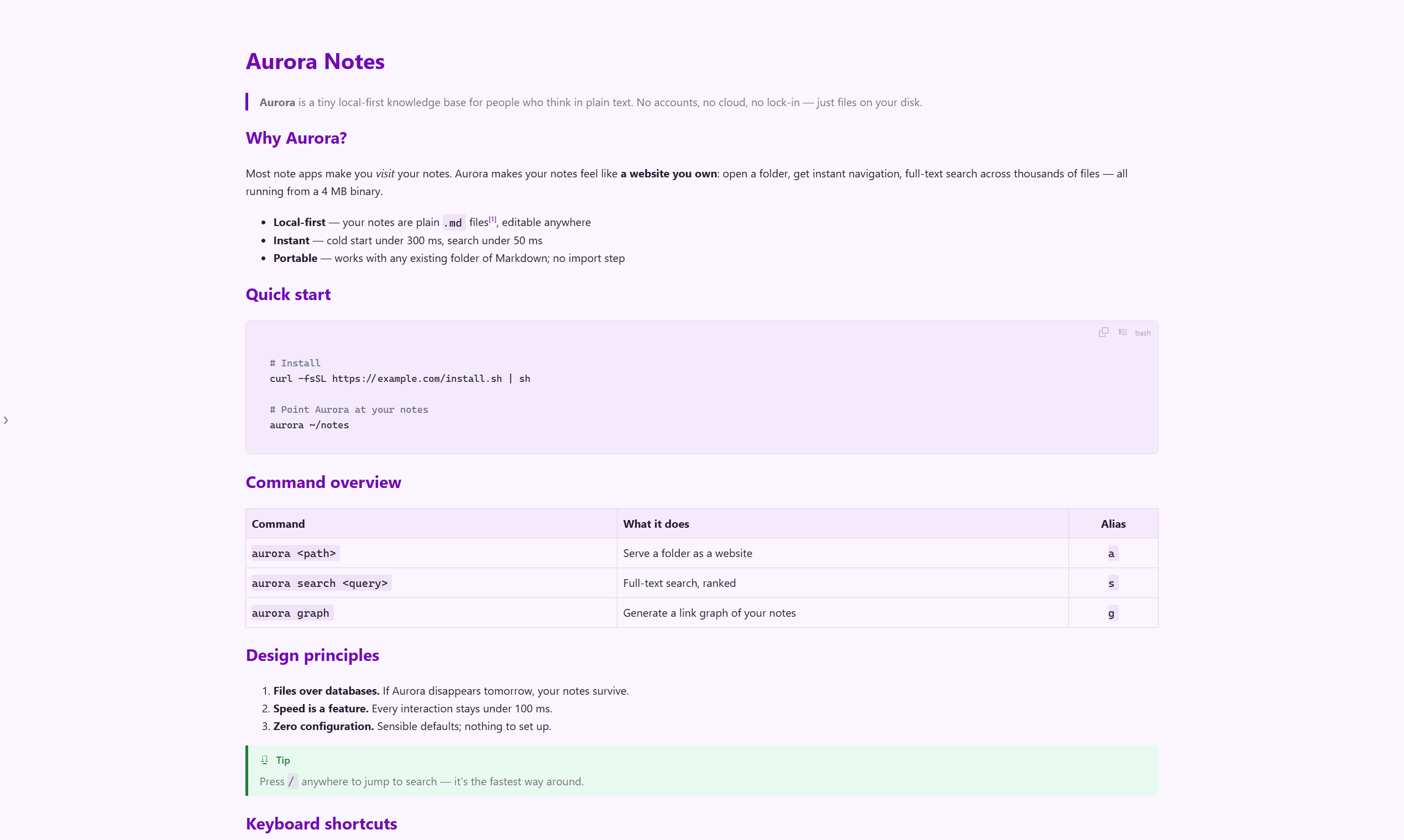
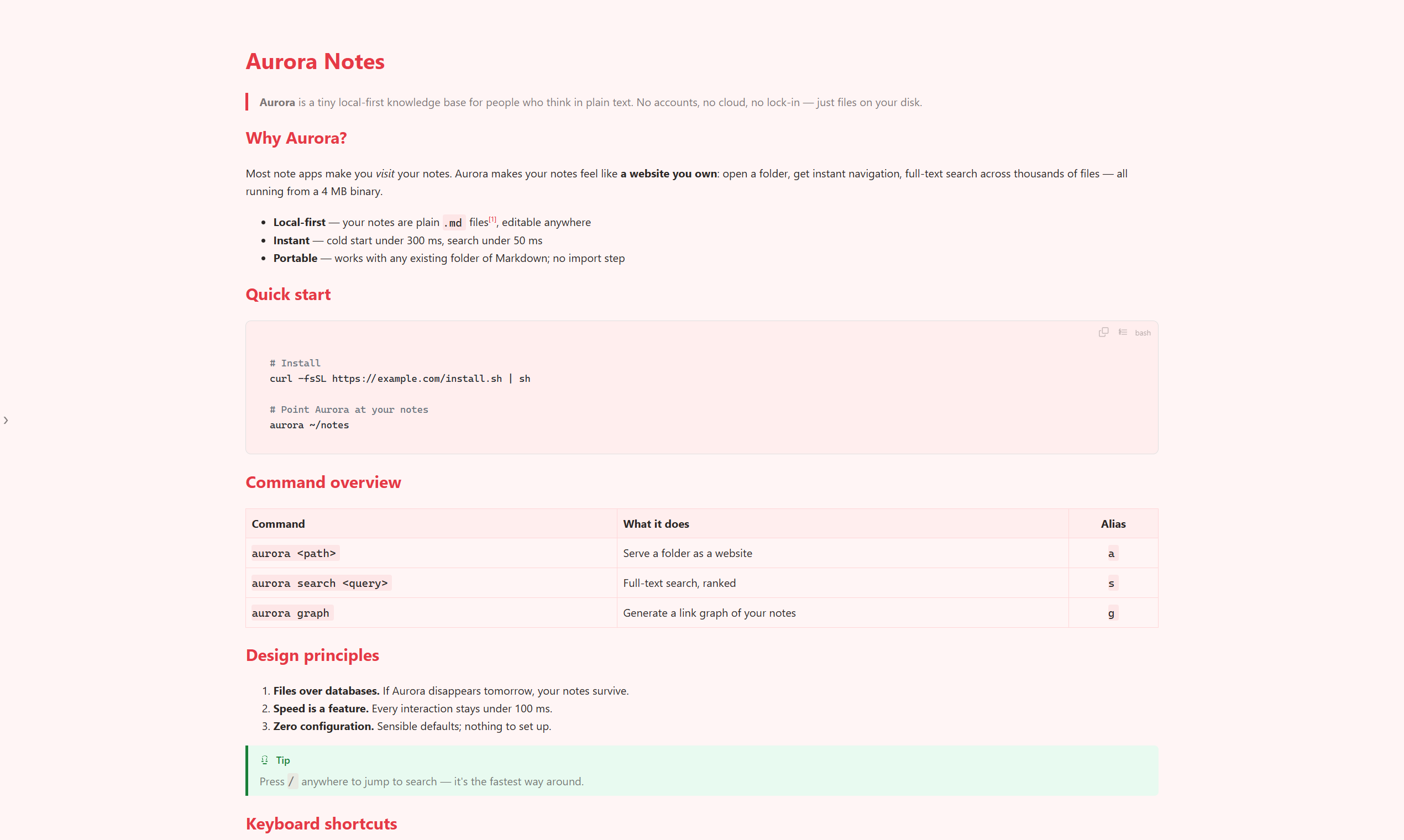
9 color themes + dark mode
Glacier, Forest, Sunset, Typewriter and more — switch themes from the right-click menu. Your preference is remembered per app, everywhere.
Type that fits your eyes
Pick any installed font, Ctrl+scroll for font size, Alt+scroll for column width. Text truly reflows — no blurry bitmap zoom.
Renders the whole document
Tables with alignment, footnotes with back-links, local images, and syntax-highlighted code blocks with copy, wrap and line numbers. GBK/GB18030 files open cleanly too.
Export to PDF
One right-click turns what you're reading into a PDF — exactly as styled on screen, ready to share or archive.
Also: drag-and-drop open · Ctrl+O · single window per file · remembers where you stopped reading · auto update checks
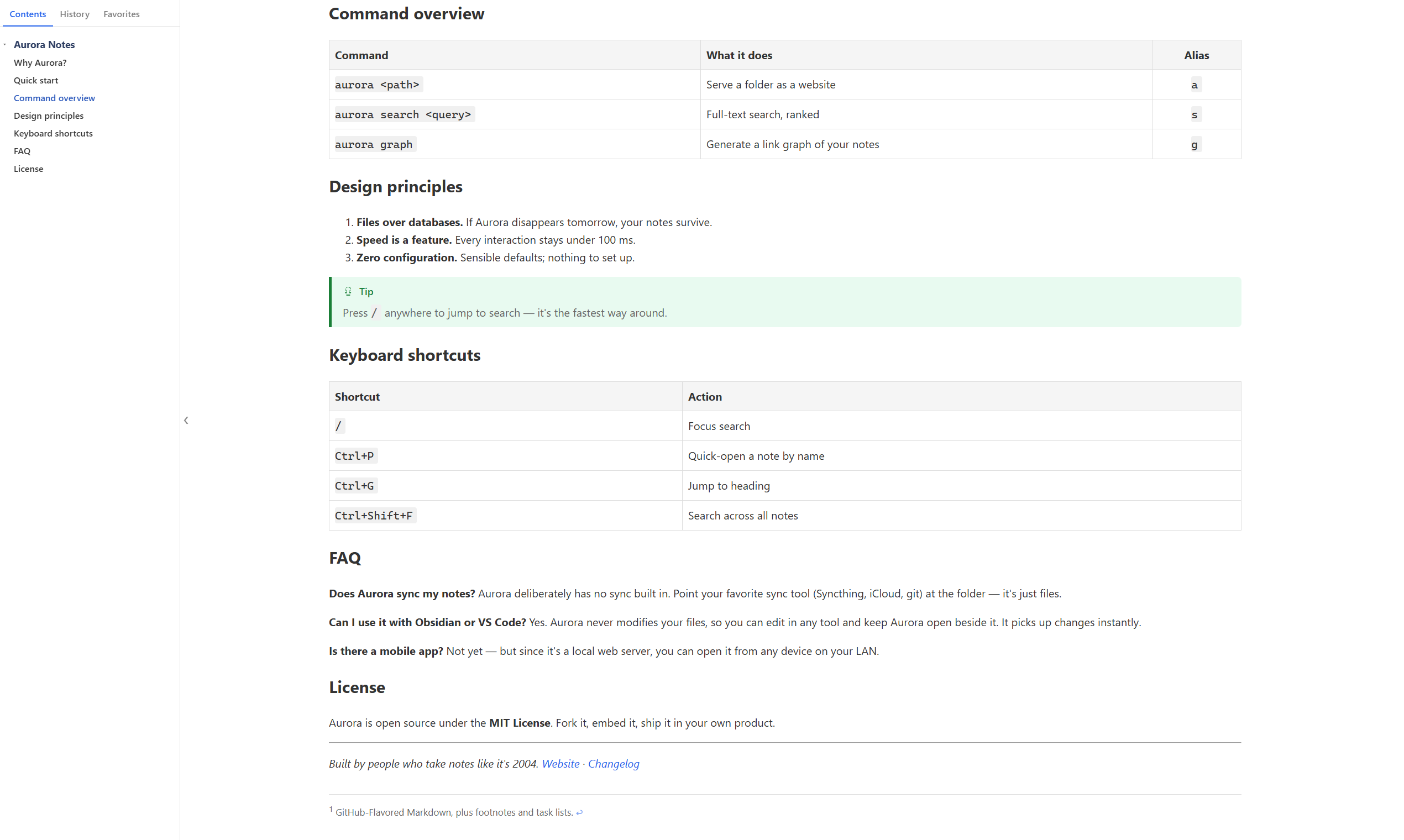
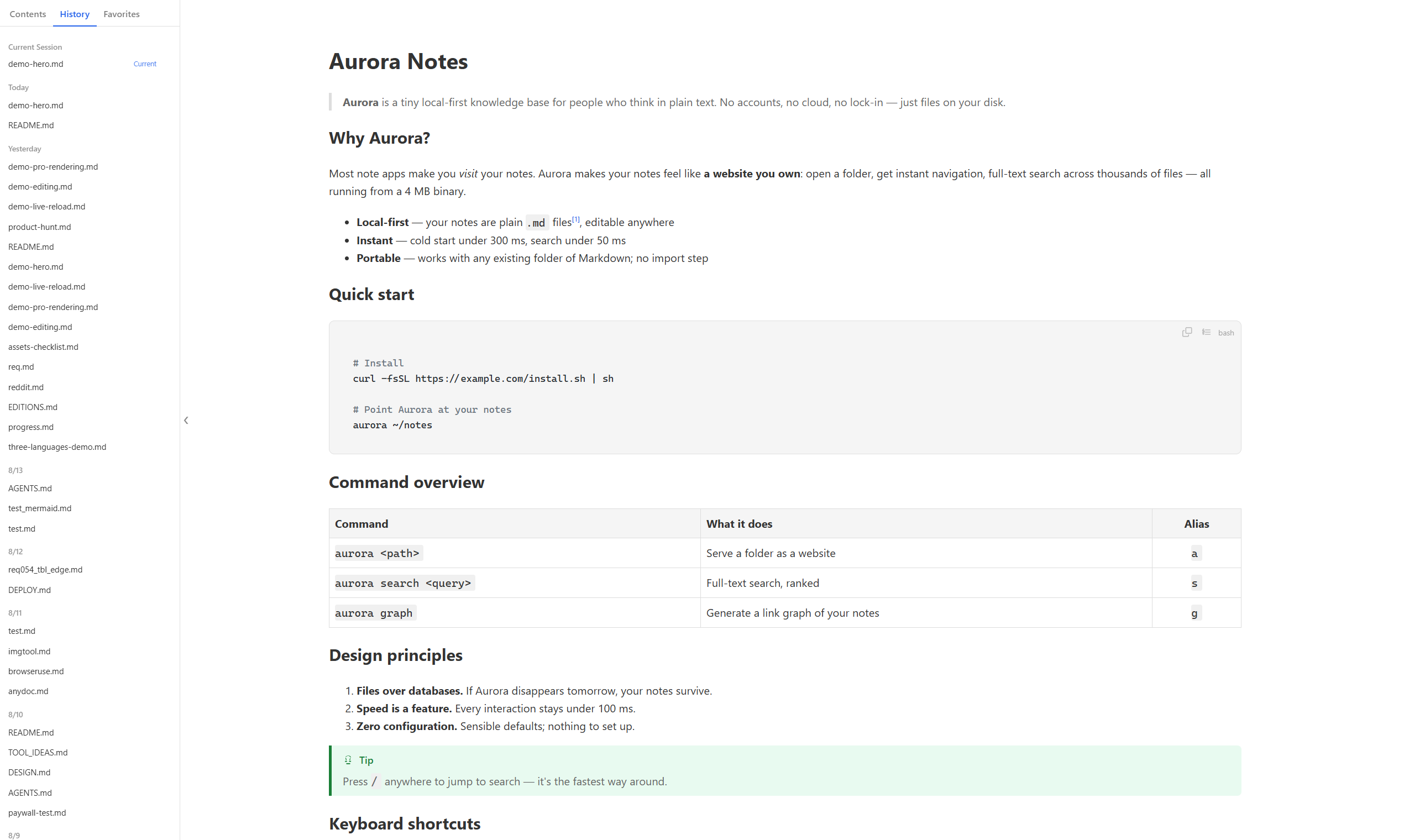
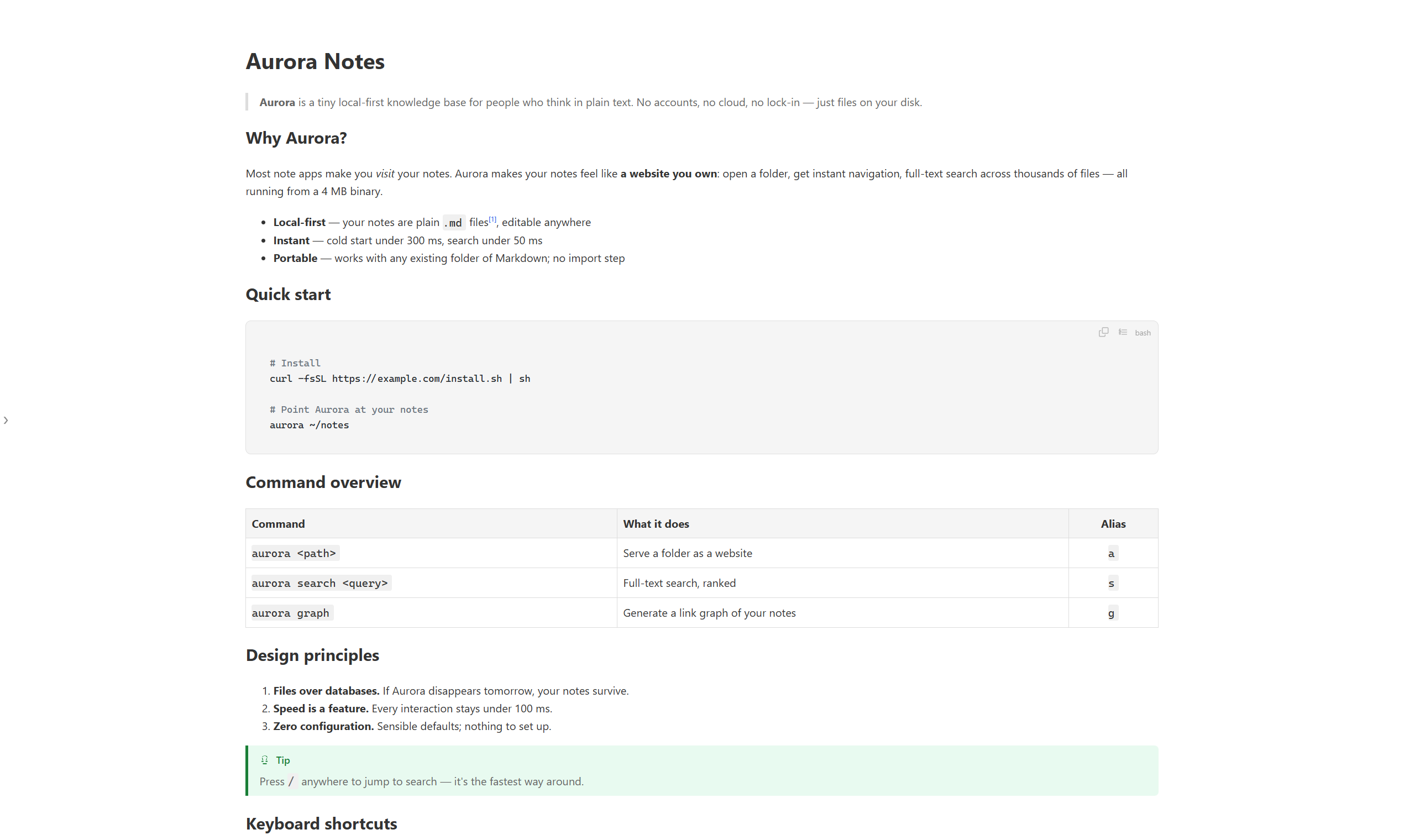
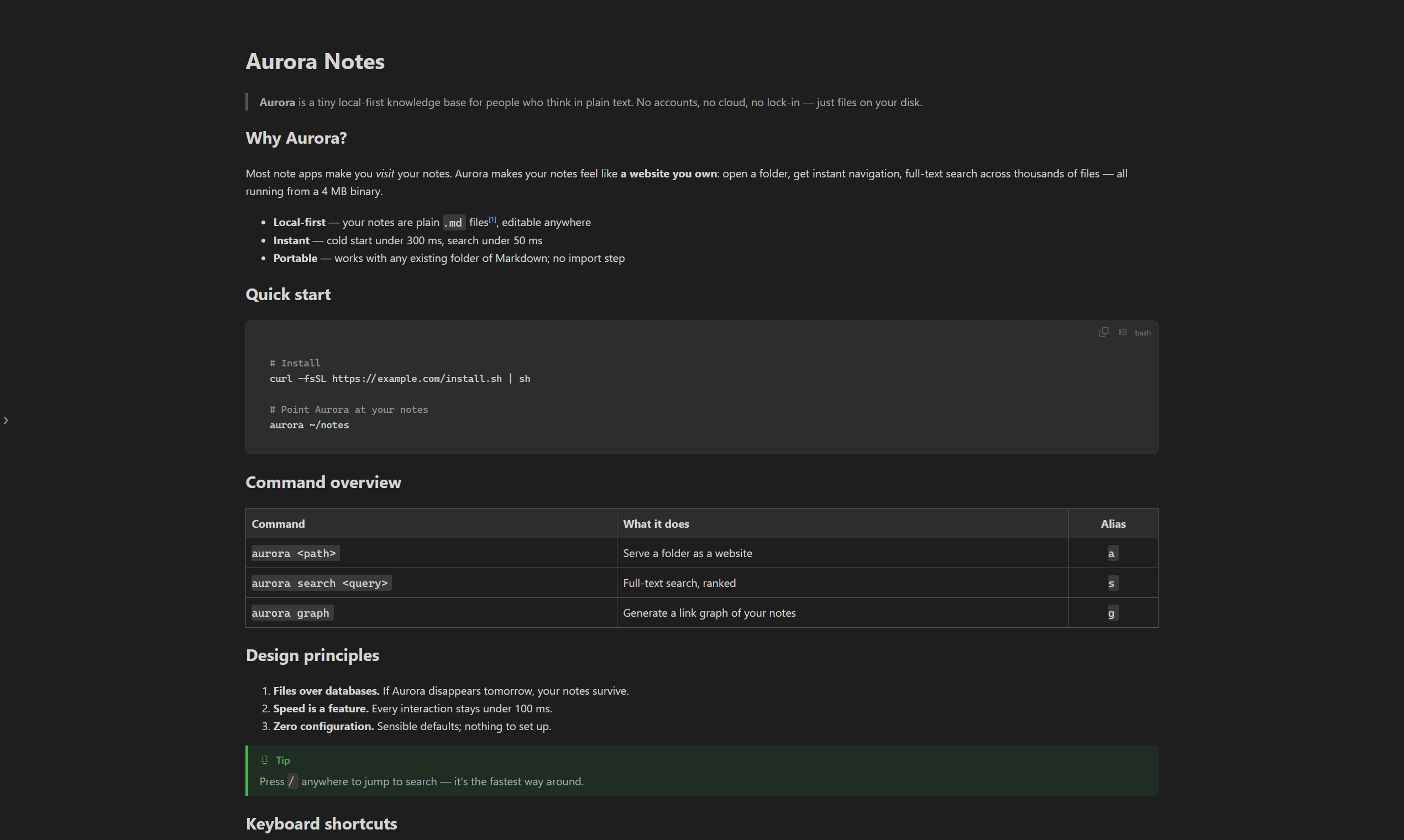
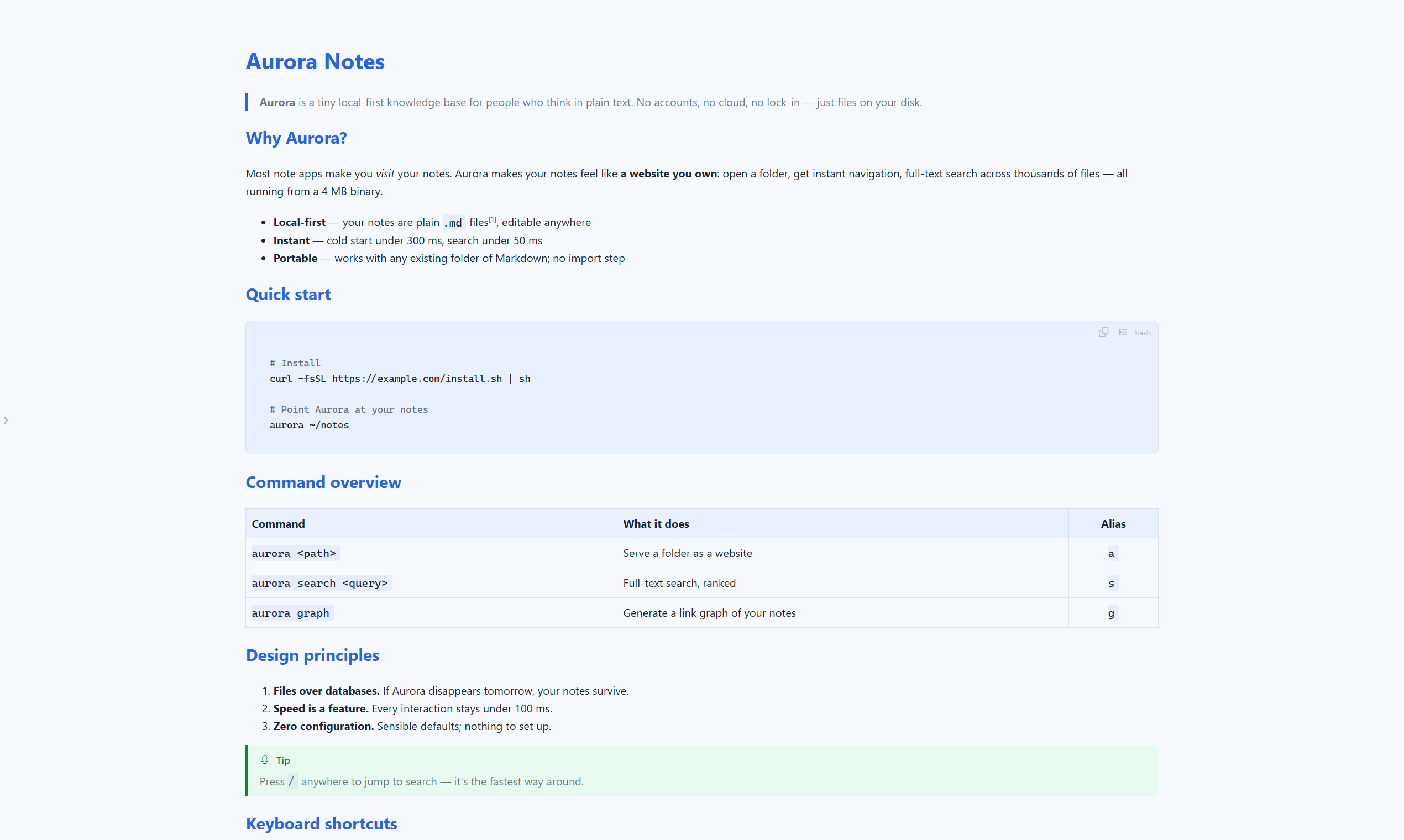
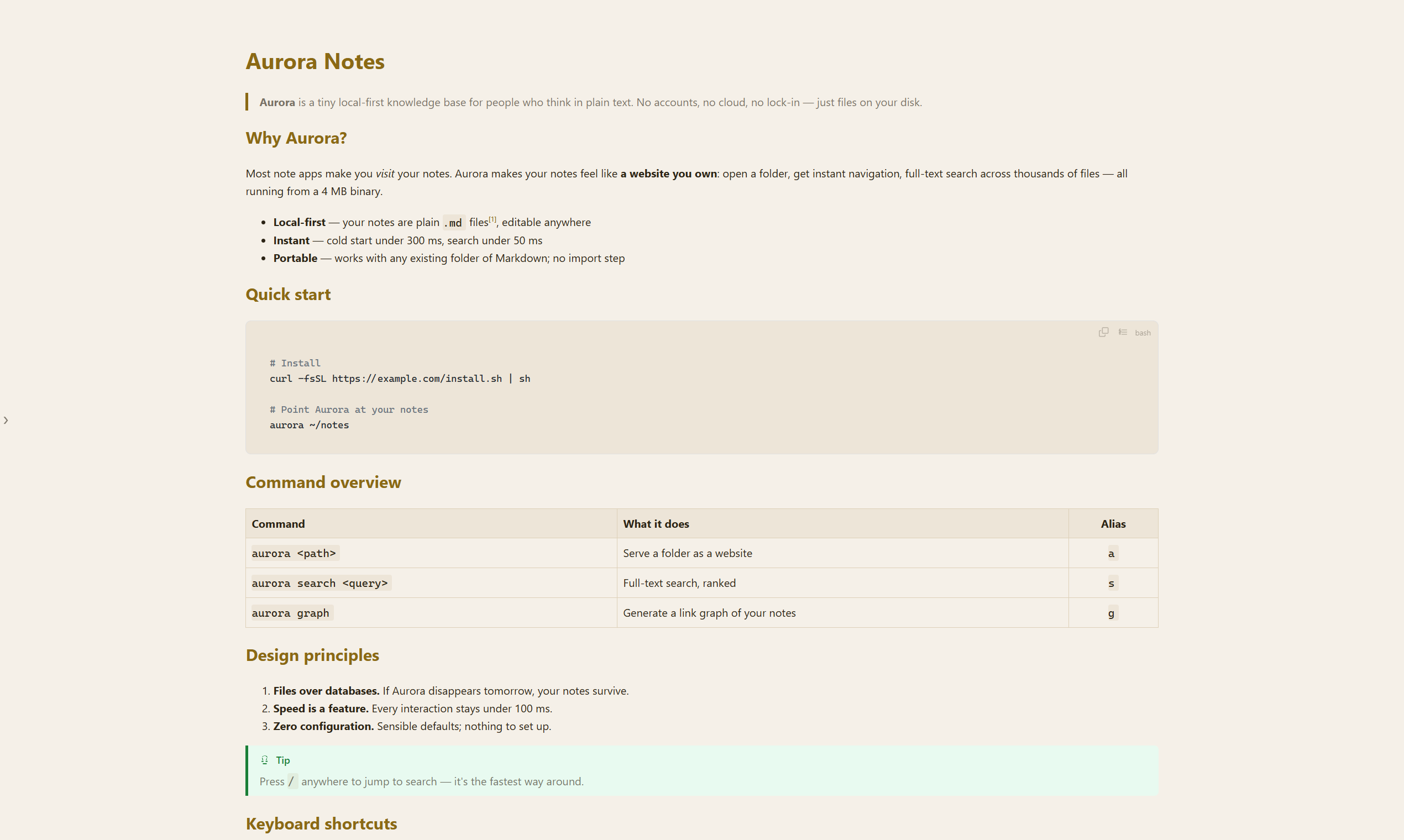
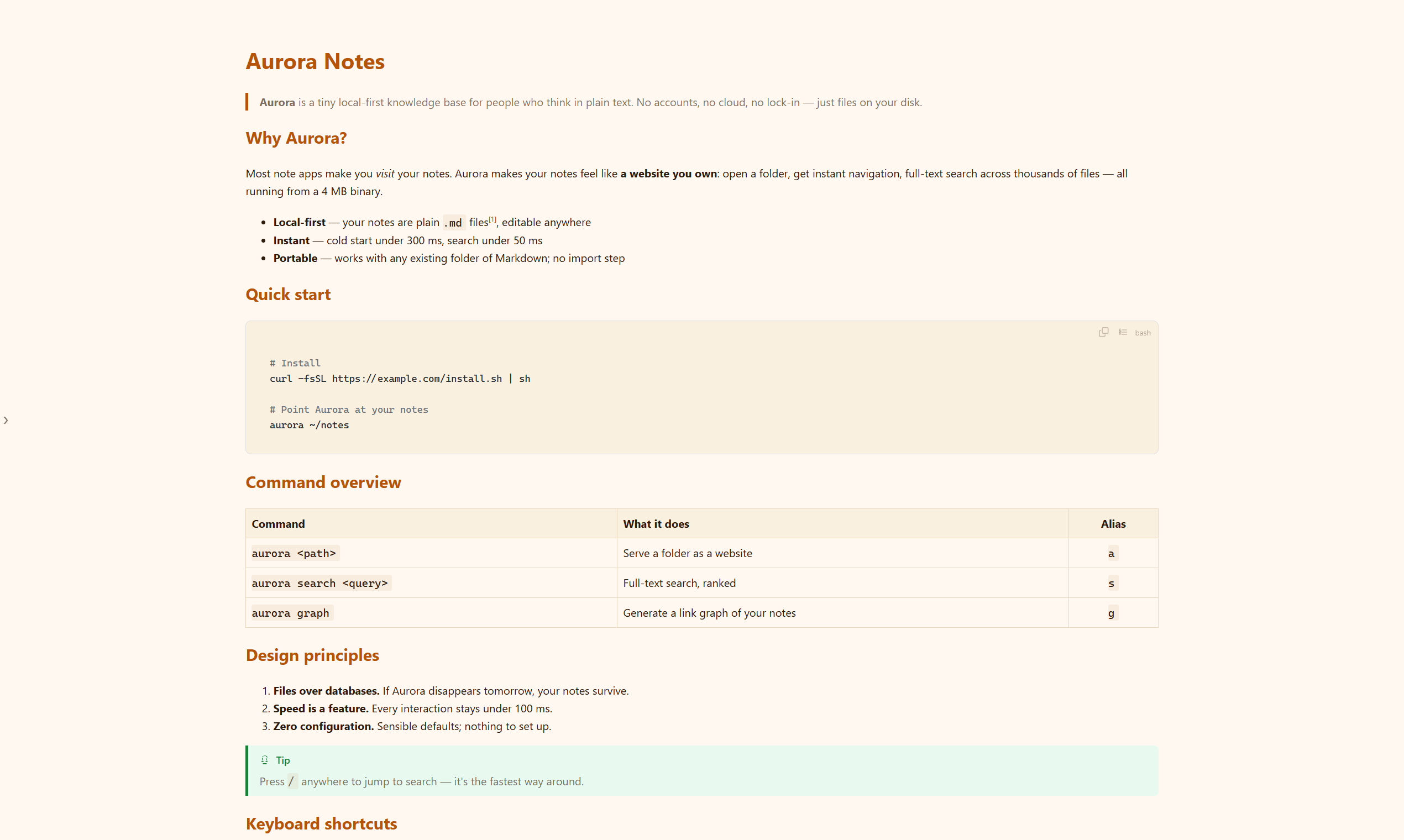
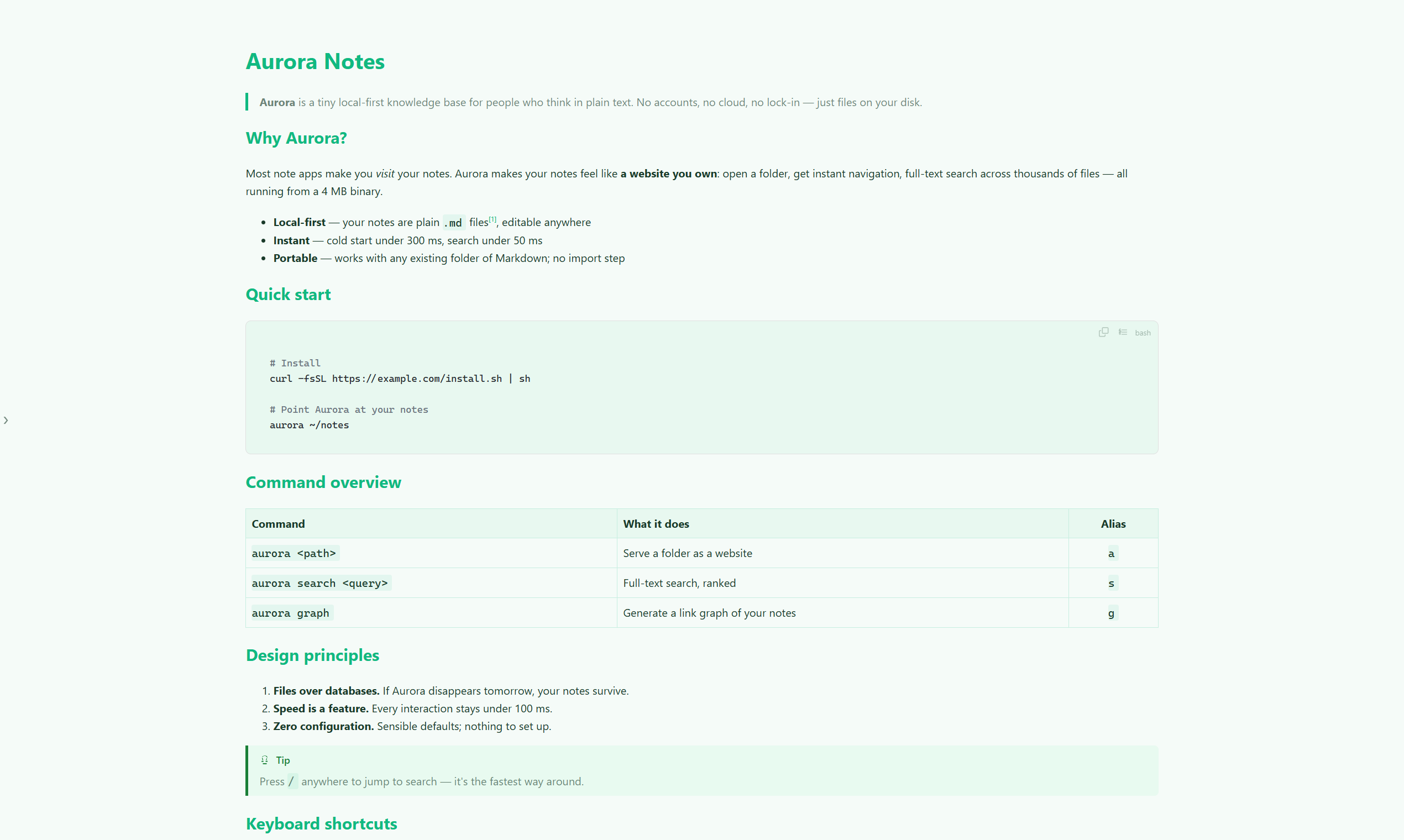
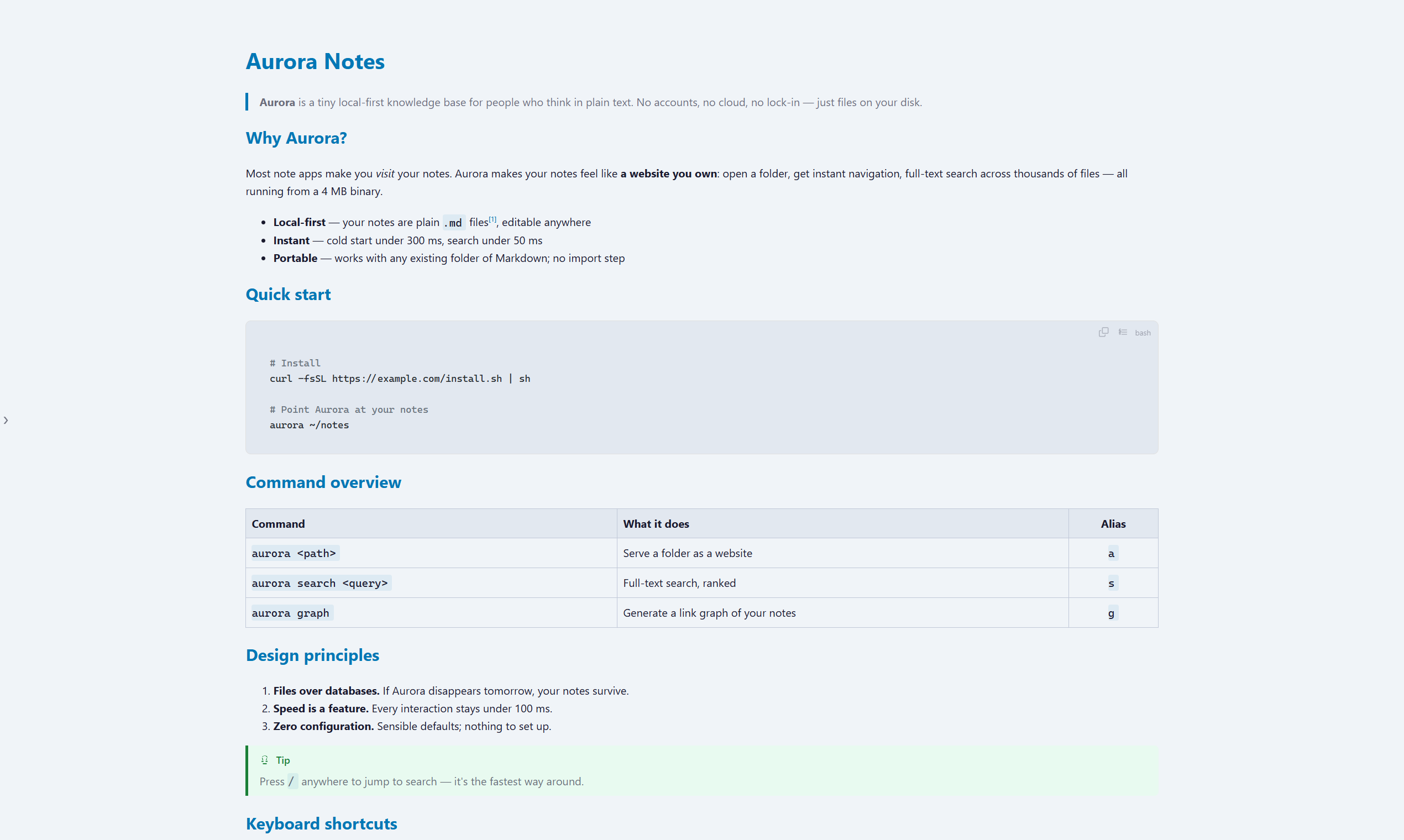
9 color themes + dark mode
Glacier, Forest, Sunset, Typewriter and more — one right-click to switch, remembered everywhere. Pick one:
When a quick look
turns into a quick fix
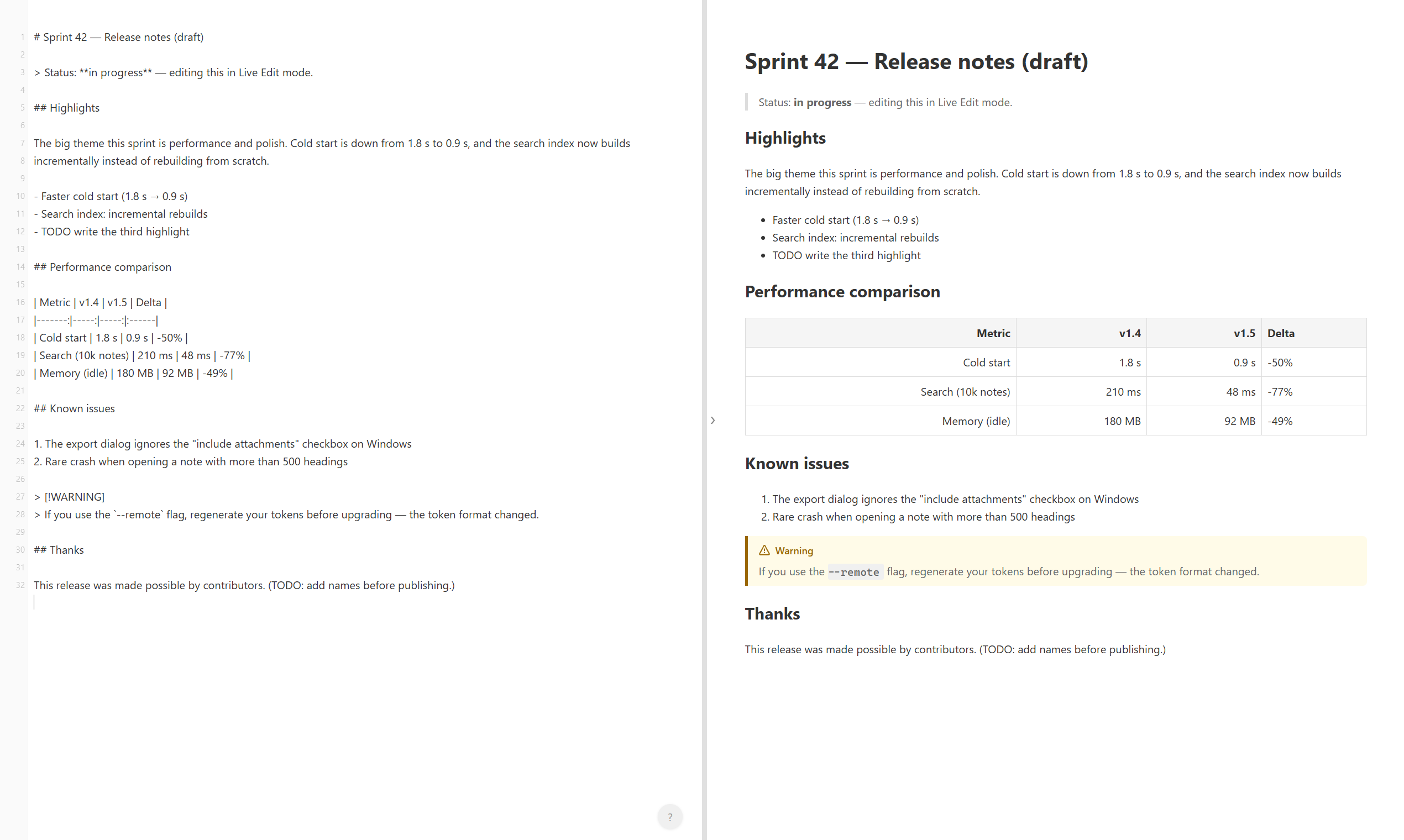
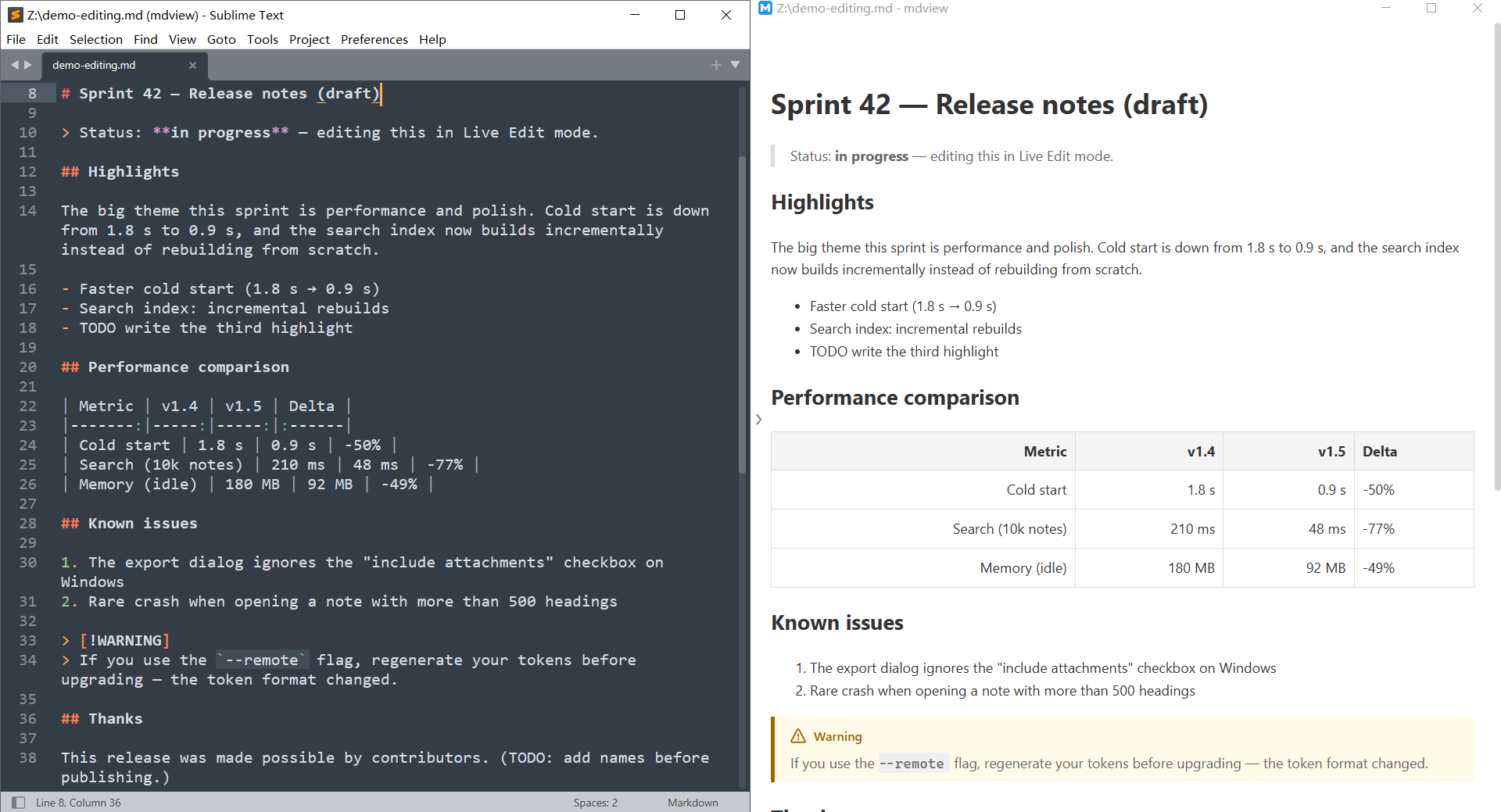
Spot a typo while reading? Fix it without leaving the window — or jump straight to the source line in your favorite editor.
demo-editing.md — mdview
# Sprint 42 — Release notes (draft)
Status: in progress — editing this in Live Edit mode.
Performance comparison
| Metric | v1.4 | v1.5 | Delta |
|---|---|---|---|
| Cold start | 1.8 s | 0.9 s | -50% |
| Search (10k notes) | 210 ms | 48 ms | -77% |
| Memory (idle) | 180 MB | 92 MB | -49% |
F2 Live Edit — the rendered page is the editor; typing updates it in place
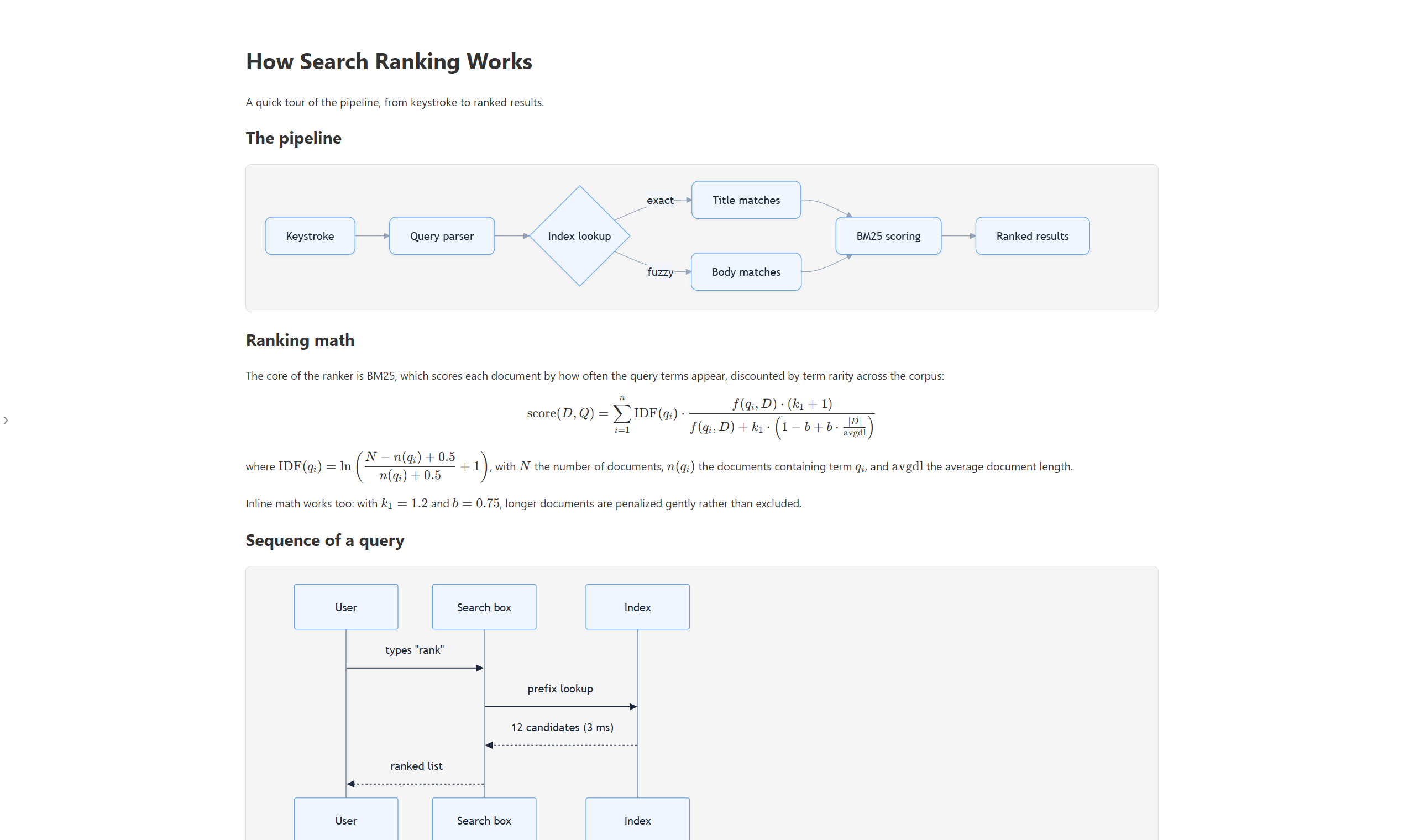
Mermaid diagrams
Flowcharts, sequence diagrams and Gantt charts render natively. Double-click any diagram for a fullscreen viewer with wheel zoom and drag pan.
KaTeX math formulas
Inline $...$ and block $$...$$ LaTeX renders beautifully — perfect for papers, notes and AI-generated answers.
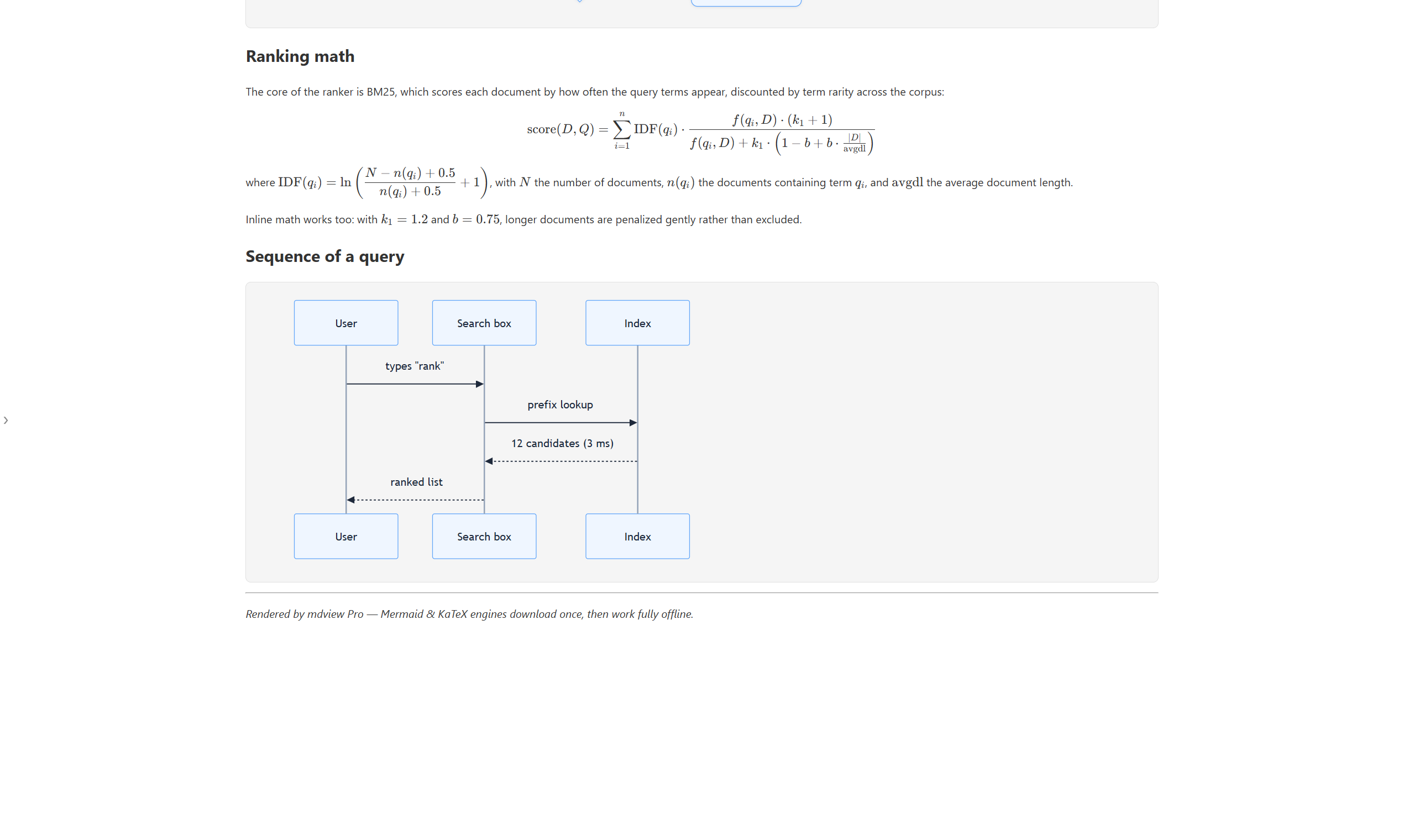
Rendering engines download once on first use, then work fully offline. Community Edition stays lean without them.
Quick Look for Markdown
You double-click a .md file to read it — not to boot an IDE.
| mdview | Typora / VS Code | Browser extension | |
|---|---|---|---|
| Install size | 2.0 MB | 100–400 MB | — (but needs a browser) |
| Double-click a .md file | Instant | 3–5 s of editor startup | Drag or copy-paste each time |
| Reading-first UI | Zero chrome | Toolbars, panels, tabs | Browser UI around it |
| Built for | Reading | Writing code / docs | Occasional preview |
They complement each other — keep your editor for writing, use mdview for the 90% of times you just read.
Two orders of magnitude apart for tools that all "just read Markdown"
Your files never leave your computer
mdview runs 100% locally. It starts a temporary server on localhost purely to render the page — no uploads, no account, no ads, no tracking.
Reading in three steps
Install
Grab the 2.0 MB installer. One click, no options to ponder.
Nothing to set up
mdview associates .md files for you automatically. No account, no config.
Double-click & read
Any Markdown file now opens rendered, like a webpage. Esc closes it.
Seeing a SmartScreen prompt? That's Windows flagging apps without a costly code-signing certificate. Click "More info" → "Run anyway" — mdview runs entirely locally.
Free to read.
$9.99 to do more.
Same product, same core. Pro adds Mermaid, math and two editing modes — try everything 100 times for free before paying $9.99 once for a lifetime license.
Community
The complete reading experience. No account, no ads.
- Double-click open, live refresh, outline & history
- 9 color themes, dark mode, font & width controls
- Code highlighting, local images, footnotes, PDF export
- F4 jump-to-line in your external editor
Mermaid diagrams, math formulas and editing modes are Pro-only
Pro
Per-device · free upgrades forever100 free full-featured opens — then one payment: per-device buyout, free upgrades for life.
- Mermaid diagrams with fullscreen zoom viewer
- KaTeX math formulas (LaTeX syntax)
- Live Edit (F2) — WYSIWYG right in the preview
- Split-screen edit (F3) with snippet expansion & image paste
- First 100 opens are free — try everything, pay nothing
- After the trial, "Maybe Later" keeps it working — never hard-locked
Windows / macOS · installs over the Community Edition · 100 free trial opens · pay by card, unlocked instantly in the app
Both editions are built from the same source with the same core (Pro adds Mermaid diagrams, math formulas and the two editing modes); they overwrite each other on install, so just pick one. Both Windows and macOS have a Community and a Pro Edition.
Questions, answered
How do I open .md files on Windows?
Is mdview free?
How is it different from Typora or VS Code?
Does mdview upload my files?
localhost to render the page — your Markdown never leaves your computer. No account, no ads, no tracking.What about Windows SmartScreen warnings?
What are the system requirements?
Your next README is one
double-click away
2.0 MB. Free. Installed in seconds.
Download mdviewQuestions or ideas? Feedback · mdview@ml-smarttech.com · Sponsor